
Microsoft Family Safety
Microsoft Corporation
Downloads
5,000,000+
Version
Latest
Click to download now, finish the installation quickly, and directly unlock the all-round experience
Screenshots
Click to download now, finish the installation quickly, and directly unlock the all-round experience
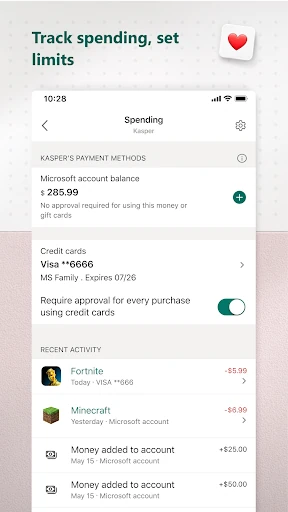
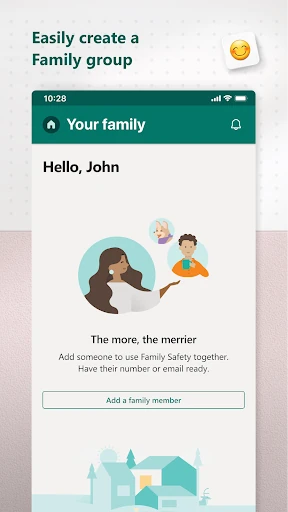
Microsoft Family Safety is a parenting app for families who want to manage children’s screen use, browsing access, apps and games from one place. It works especially well for households using Microsoft services across Android, Windows and Xbox, giving parents a broader view than an Android-only monitoring tool.
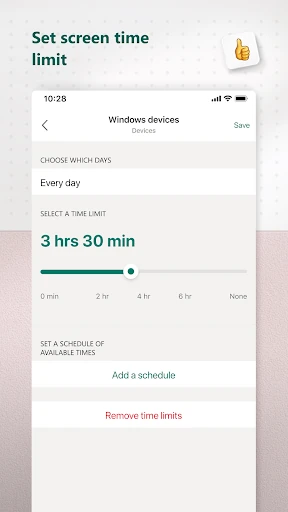
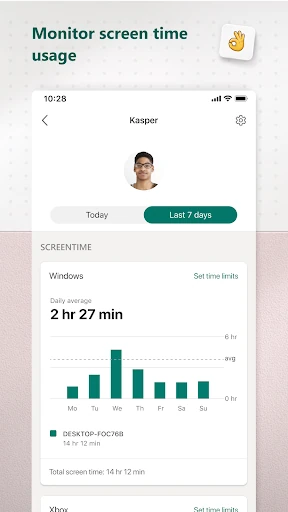
Parents can set screen-time limits and review how family members use supported devices. The app also helps restrict unsuitable websites in Microsoft Edge and manage access to apps and games according to family rules. Children can send requests for extra time or access, allowing parents to decide when an exception is appropriate.
The main advantage of Microsoft Family Safety is its connection with the wider Microsoft ecosystem. Screen-time planning can cover more than a single Android phone, which is useful when children move between a phone, Windows computer and Xbox. Activity summaries can also help parents discuss routines and make adjustments instead of relying only on blanket restrictions.
Microsoft Family Safety is listed in the Parenting category and is developed by Microsoft Corporation. It has a rating of 3.85 from more than 47,000 reviews, with 5,000,000+ installs. The app is best suited to parents already using Microsoft accounts and devices, although families with a mixed technology setup may find that some controls are more useful within Microsoft-supported services.