PDF Reader - Viewer: Edit PDF
Shark Studio - Awesome Apps
Downloads
500,000+
Version
Latest
Click to download now, finish the installation quickly, and directly unlock the all-round experience
Screenshots



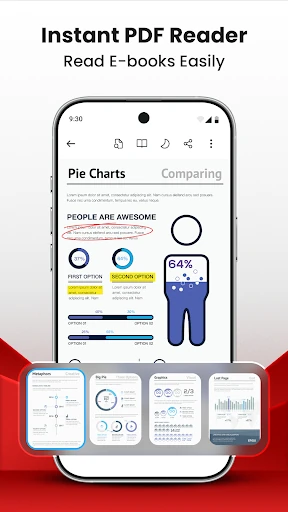
Click to download now, finish the installation quickly, and directly unlock the all-round experience
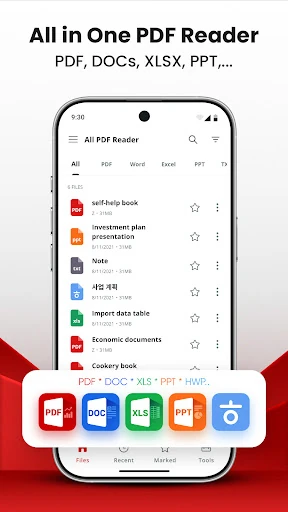
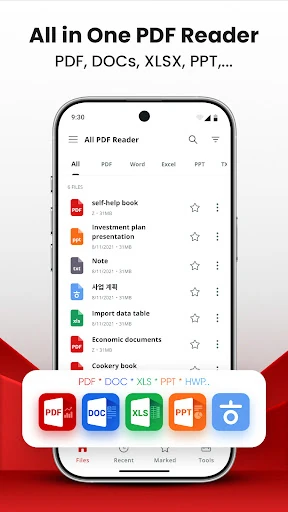
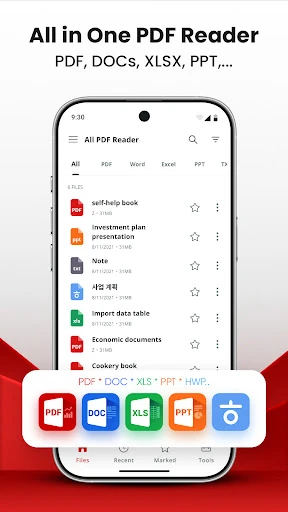
PDF Reader - Viewer: Edit PDF is a productivity app for reading and managing documents on Android. It opens PDF files as well as common Word, Excel, PowerPoint, and text formats, making it useful for work, study, and everyday document access. The app is developed by Shark Studio - Awesome Apps and has more than 500,000 installs.
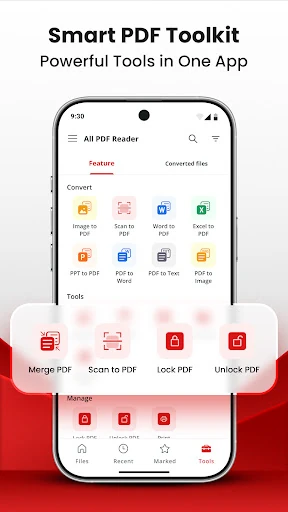
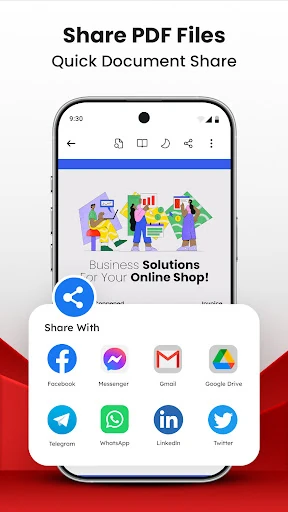
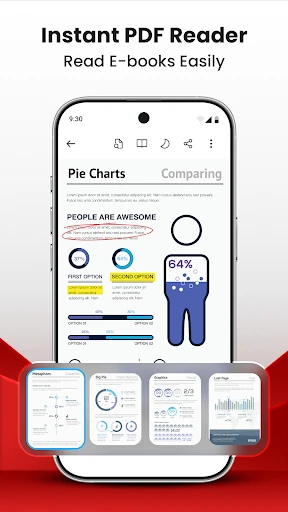
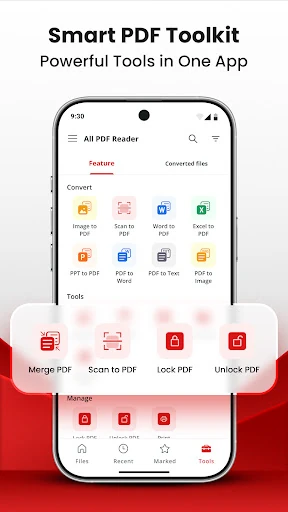
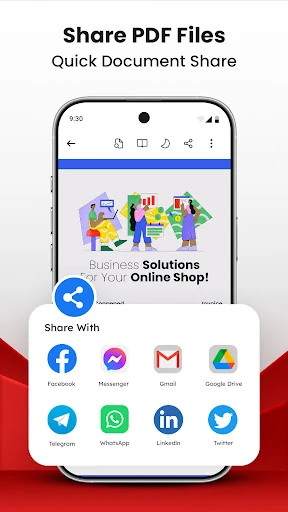
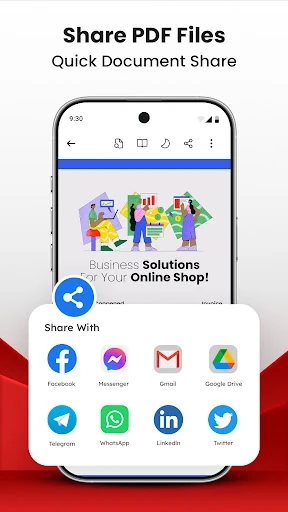
The built-in viewer supports page navigation, zoom controls, bookmarks, and different reading layouts. PDF files stored on the device can be located and opened from one place. Basic file management tools help you sort, rename, move, and delete documents, while sharing options make it easier to send files to other apps.
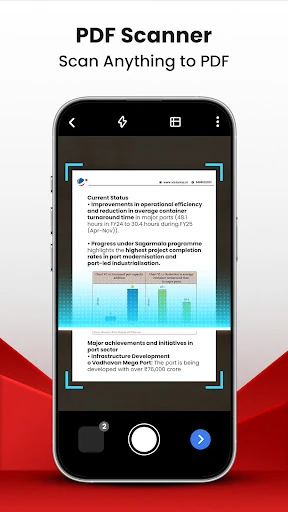
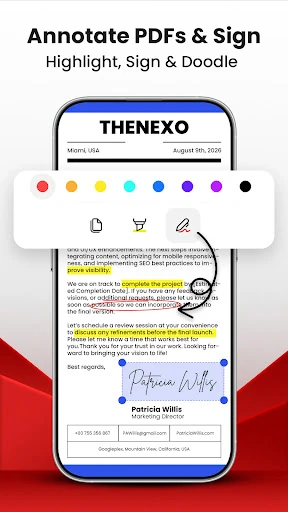
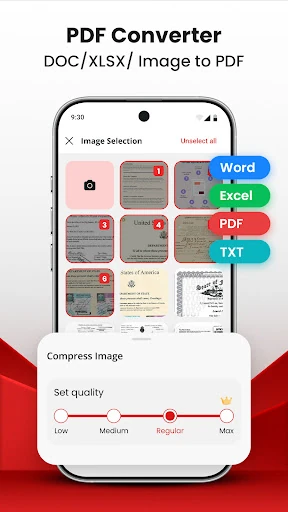
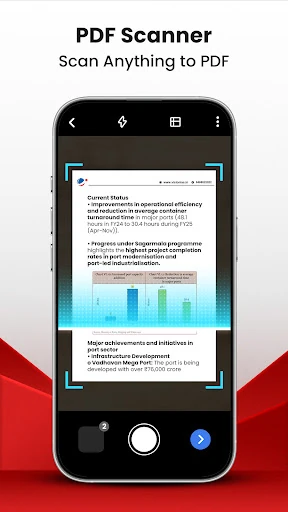
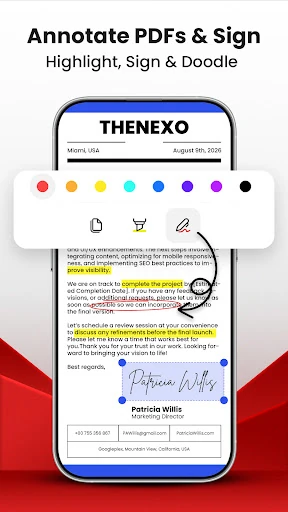
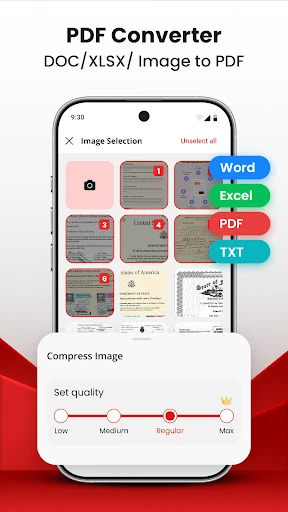
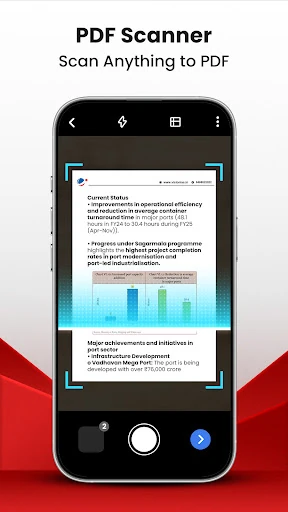
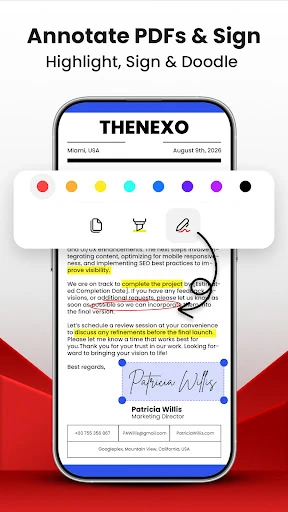
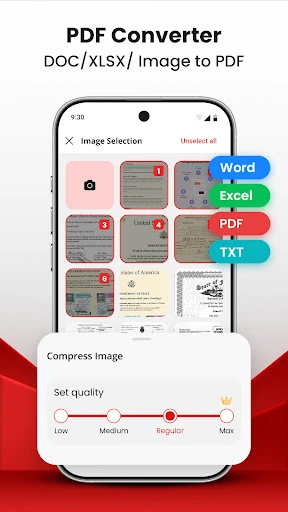
PDF Reader - Viewer: Edit PDF includes tools for making changes directly to PDF files. You can highlight or draw on pages, search and copy text, and add signatures. Its scanning tools use the phone camera to turn papers, receipts, or notes into PDFs. Images can also be combined into a PDF, and documents can be converted to other formats when needed.
This app is a practical choice for users who need more than a basic PDF reader, especially when scanning paperwork or handling several office formats on one phone. It is rated 3.69 out of 5 from 411 reviews. The combination of viewing, editing, scanning, and file organization tools makes it suitable for students, office users, and anyone who regularly works with digital documents.