Click to download now, finish the installation quickly, and directly unlock the all-round experience
Screenshots




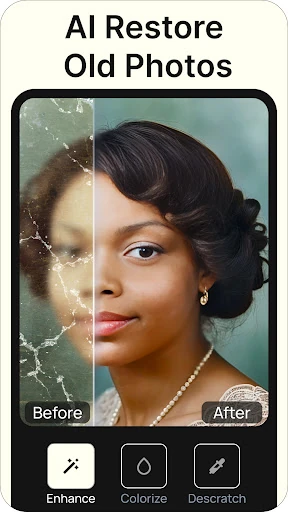
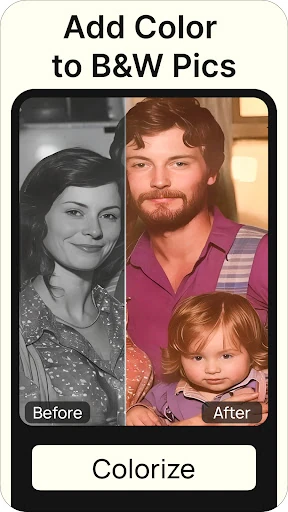
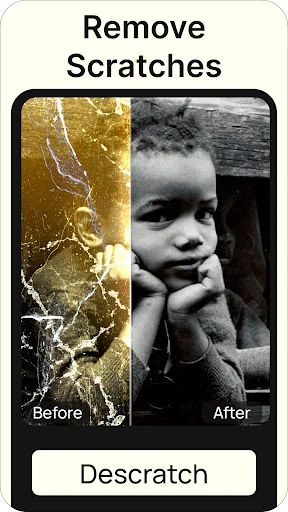
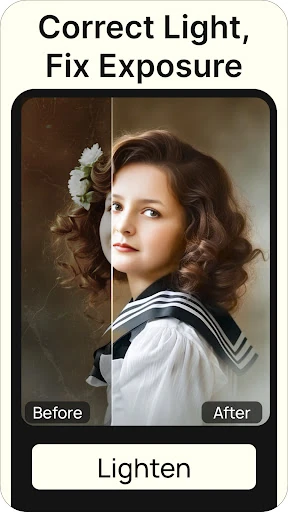




Click to download now, finish the installation quickly, and directly unlock the all-round experience
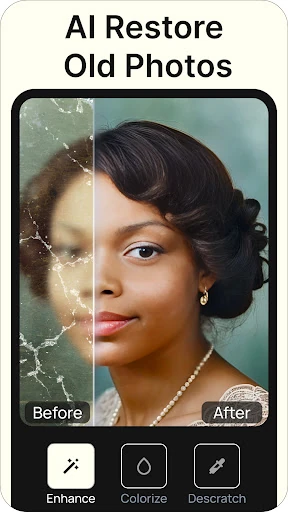
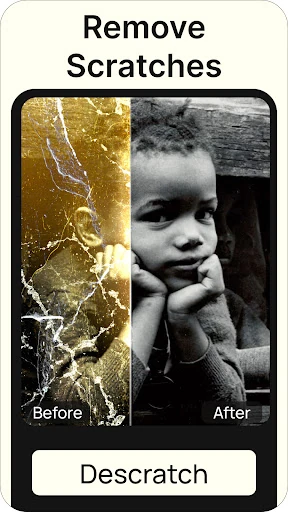
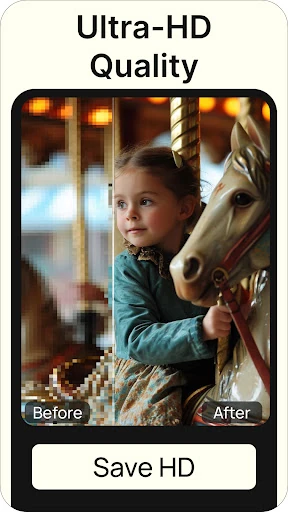
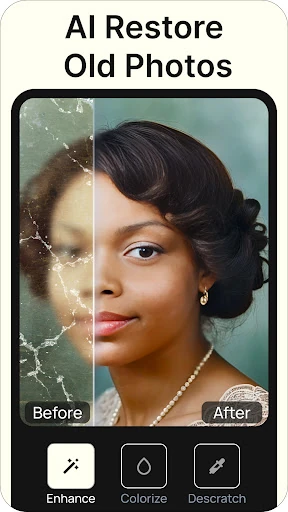
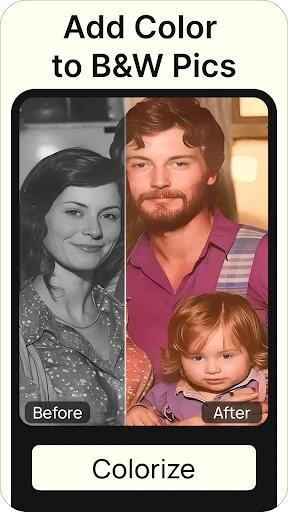
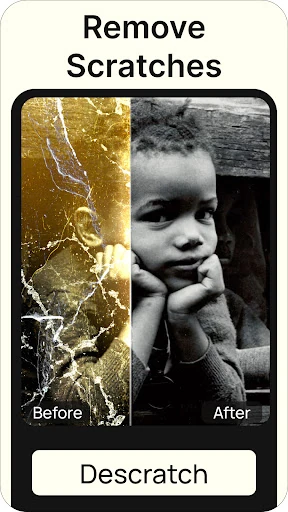
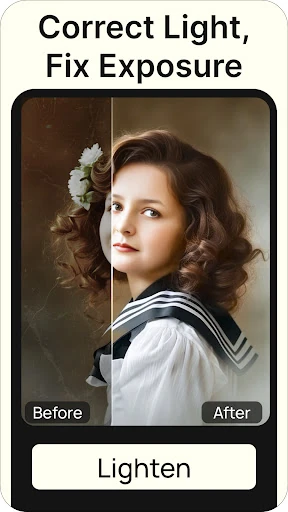
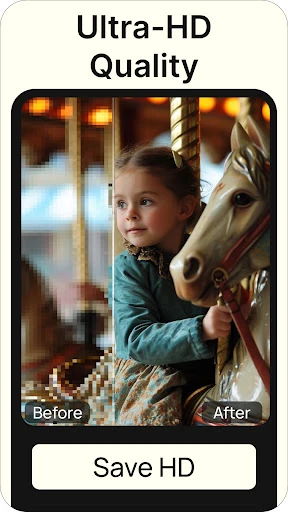
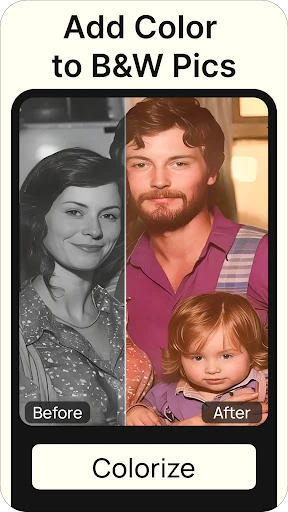
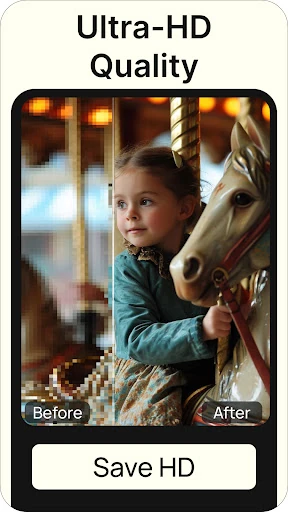
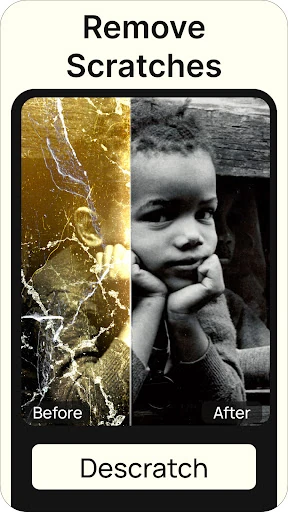
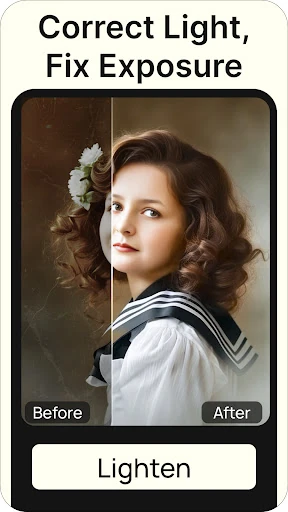
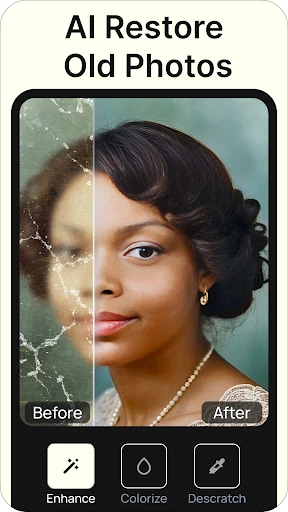
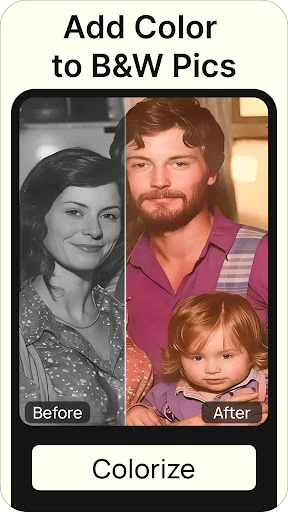
Renew - Old Photo Restoration is a photography app for repairing and improving aged, faded, or low-quality pictures. It suits anyone digitising family albums, preserving historical images, or trying to make old portraits clearer on a modern phone. The app focuses on restoration rather than general photo effects.
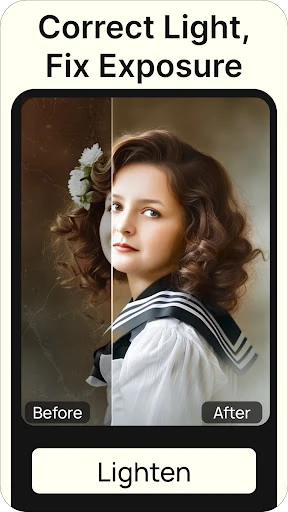
Renew keeps the process centred on automatic enhancement, adjustment controls, and visual results rather than complex editing layers. That makes it suitable for users who want to restore a scanned print without learning a full photo-editing workflow. It is especially useful for portraits and family photographs where facial clarity and the condition of the original matter most.
Renew - Old Photo Restoration is listed in the Photography category and is developed by Olena Dorohan. It has a 4.54 rating from more than 14,293 reviews, with 100,000+ installs. The focused feature set means it is intended for repairing and refreshing older images, not for broad creative editing with extensive filters, drawing tools, or manual retouching controls.