Click to download now, finish the installation quickly, and directly unlock the all-round experience
Screenshots
Click to download now, finish the installation quickly, and directly unlock the all-round experience
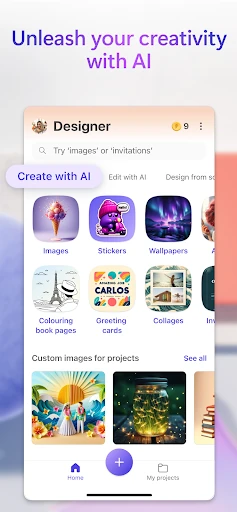
Microsoft Designer is an Art & Design app for creating images, social posts, invitations, wallpapers, stickers, and other visual content. It suits people who want ready-made creative tools without learning a full desktop design suite, including casual users, students, small businesses, and social media creators.
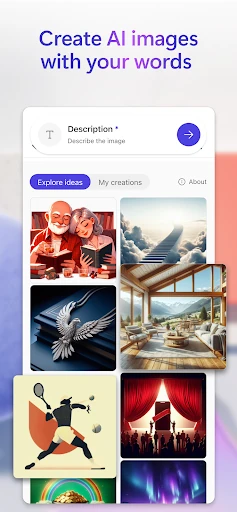
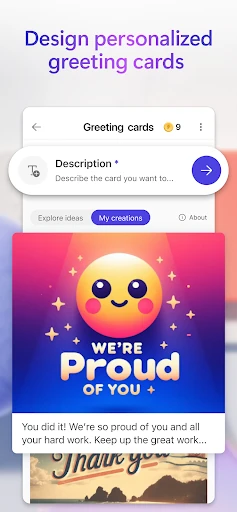
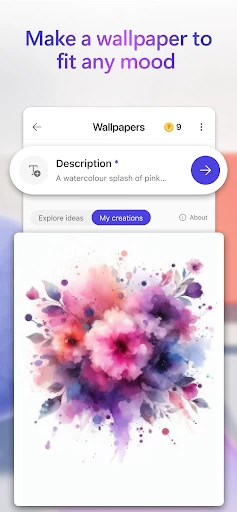
You can describe an image in ordinary language and use AI to generate a visual starting point. Templates provide a quicker route for common projects such as greeting cards, invitations, coloring pages, and social graphics. Layouts can then be adjusted to match the intended message, style, or platform.
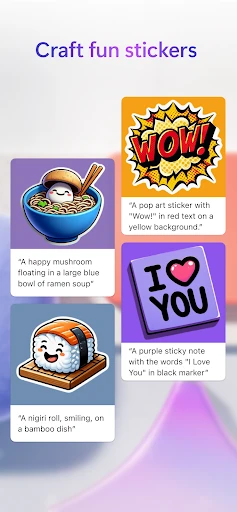
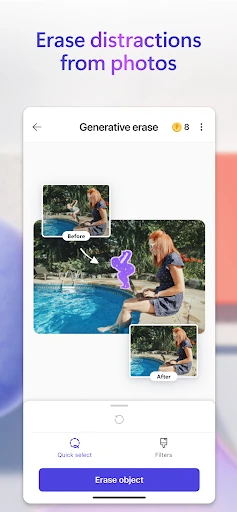
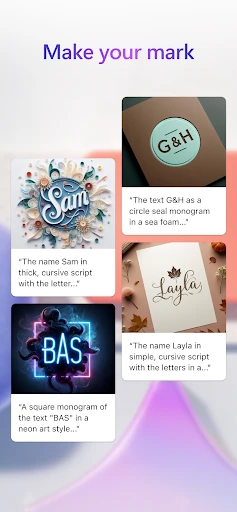
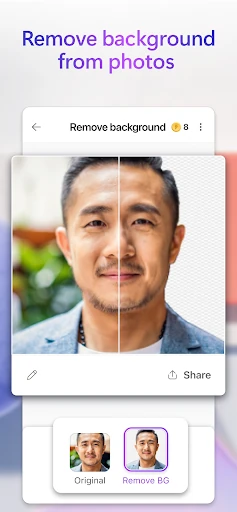
The app includes AI-based editing options for tasks such as removing unwanted parts of an image and blurring a background. It also supports custom stickers, emojis, and monograms, which can help users make more personal graphics for chats, profiles, and online posts. These tools are focused on fast results rather than detailed manual control.
Microsoft Designer uses a simple, prompt-led workflow that keeps the main creative actions easy to find. A Microsoft account can be used with the app to keep designs available through Microsoft’s cloud services. Its Google Play listing shows 1,000,000+ installs and a rating of 3.47 from 8,015 reviews. The app is developed by Microsoft Corporation, making it a practical choice for users already familiar with Microsoft services.