Trace Drawing-Sketch and Paint
GeniusTools Labs
Downloads
1,000,000+
Version
Latest
Click to download now, finish the installation quickly, and directly unlock the all-round experience
Screenshots
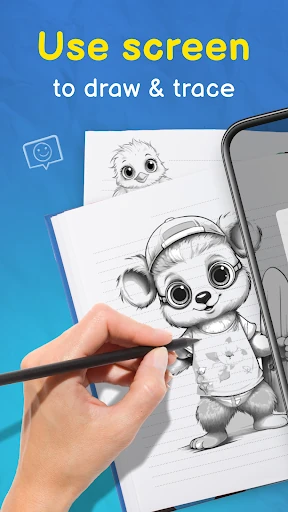
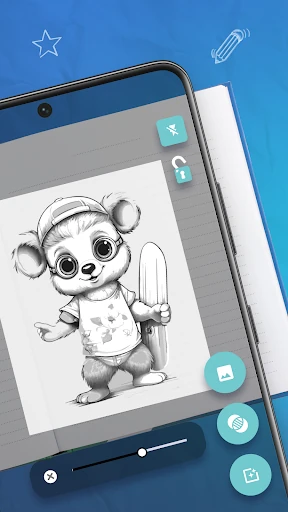
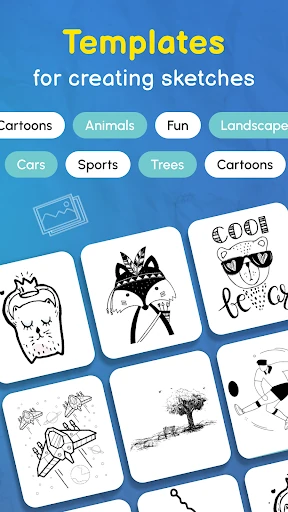
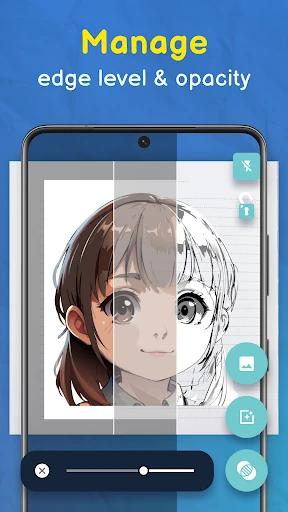


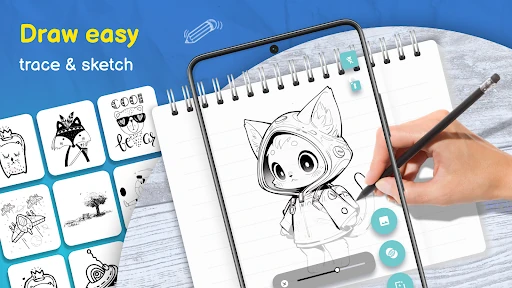
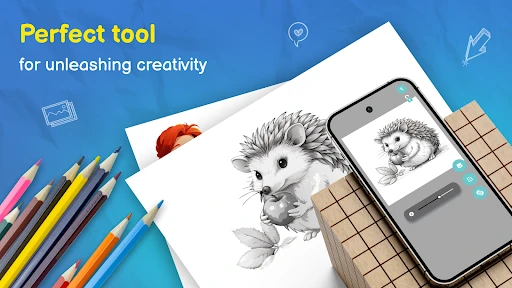
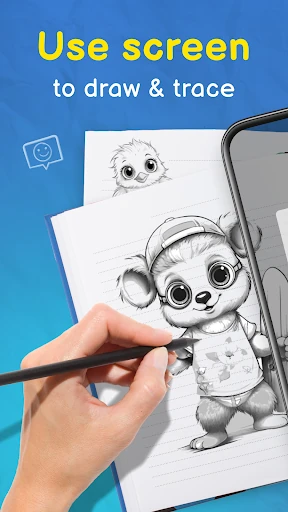
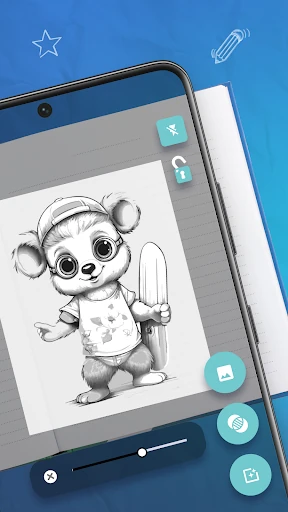
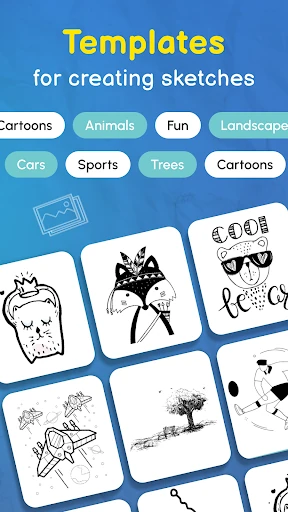
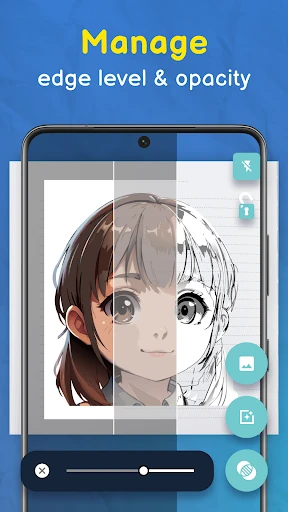


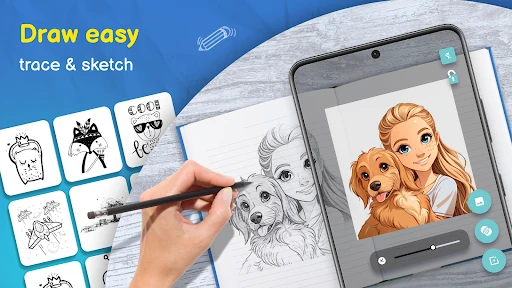
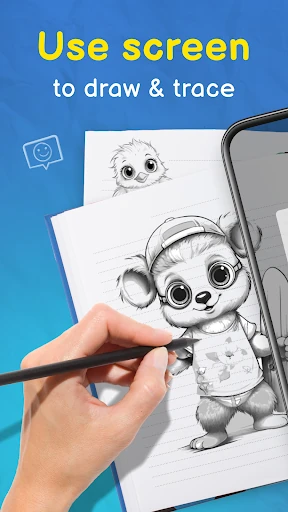
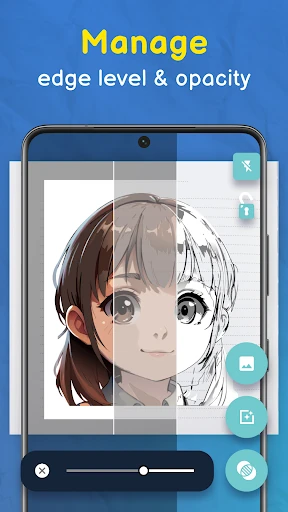


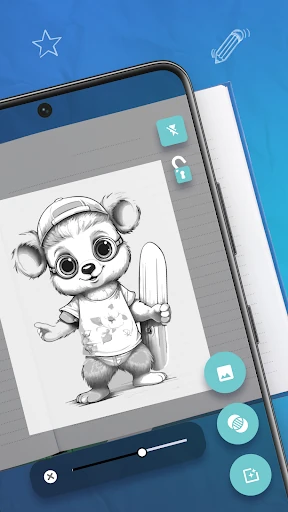
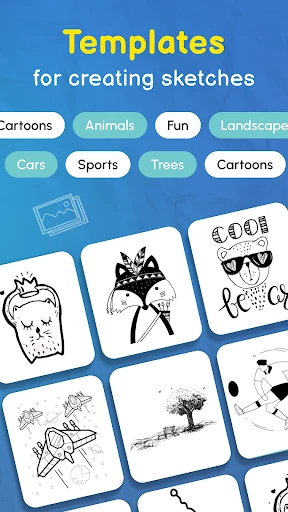


Click to download now, finish the installation quickly, and directly unlock the all-round experience
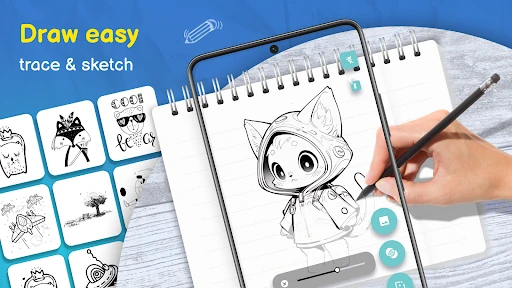
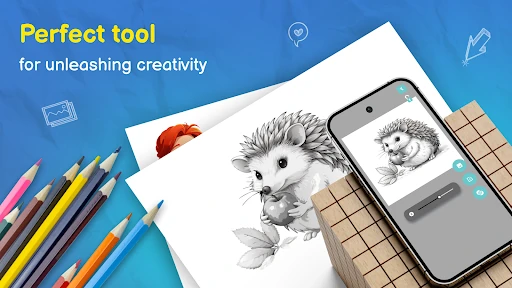
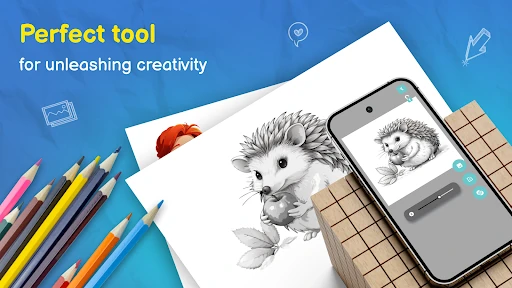
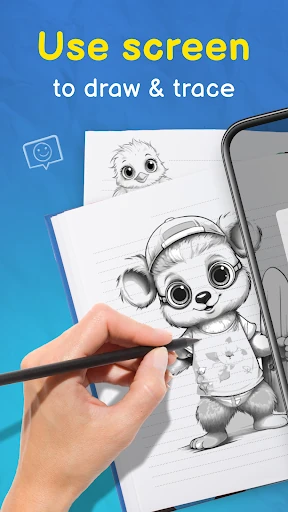
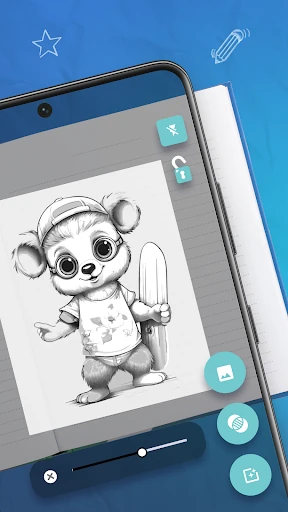
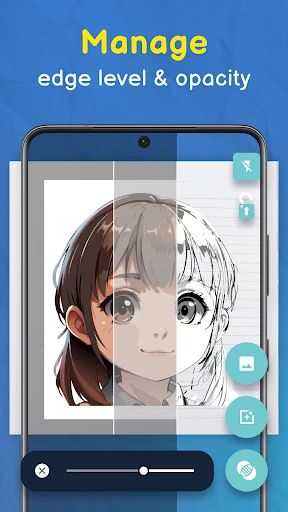
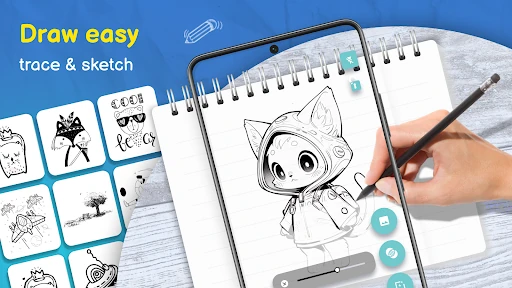
Trace Drawing-Sketch and Paint helps you copy an image onto paper, canvas, or another physical surface by using your phone’s camera. A transparent reference appears over the camera view, giving you a guide for proportions, placement, and basic shapes while you draw. It suits beginners learning to sketch, students practising form, and hobby artists who want a more structured starting point than a blank page.
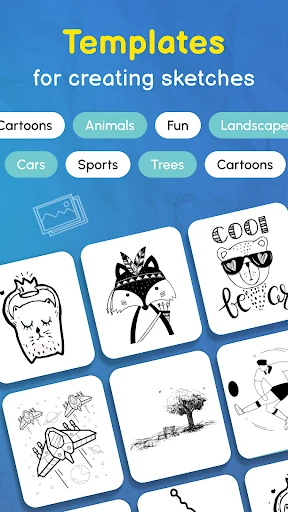
The app lets you adjust the reference image’s transparency, so the guide remains visible without completely hiding your pencil marks. This makes it easier to compare your drawing with the source as you work. You can choose from provided reference material, including patterns, nature subjects, and other drawing ideas, or use the tracing approach to work from an image that suits your project.
Trace Drawing-Sketch and Paint is focused on the act of drawing rather than creating finished artwork entirely on a screen. Keeping the phone steady is important, since movement can shift the reference while you trace; a stand or stable surface can make longer sessions easier. The straightforward layout keeps attention on the camera view and the lines being drawn.
Listed in Art & Design, the app is developed by GeniusTools Labs. It has a 4.58 rating from more than 14,000 reviews and has reached 1,000,000+ installs, indicating broad use among people exploring guided sketching and image tracing.